B
BRADEN Good product. Works perfectly. No complaints.
- 5 stars: 1 (100%)
- 4 stars: 0 (0%)
- 3 stars: 0 (0%)
- 2 stars: 0 (0%)
- 1 star: 0 (0%)
B
BRADEN Good product. Works perfectly. No complaints.


Graphics Drawing Tablet TEROW T1060 with 10 x 6 Inch Active Area, 8192-Level Stylus, 60-Degree Tilt Recognition and 12 Customizable Shortcut Keys


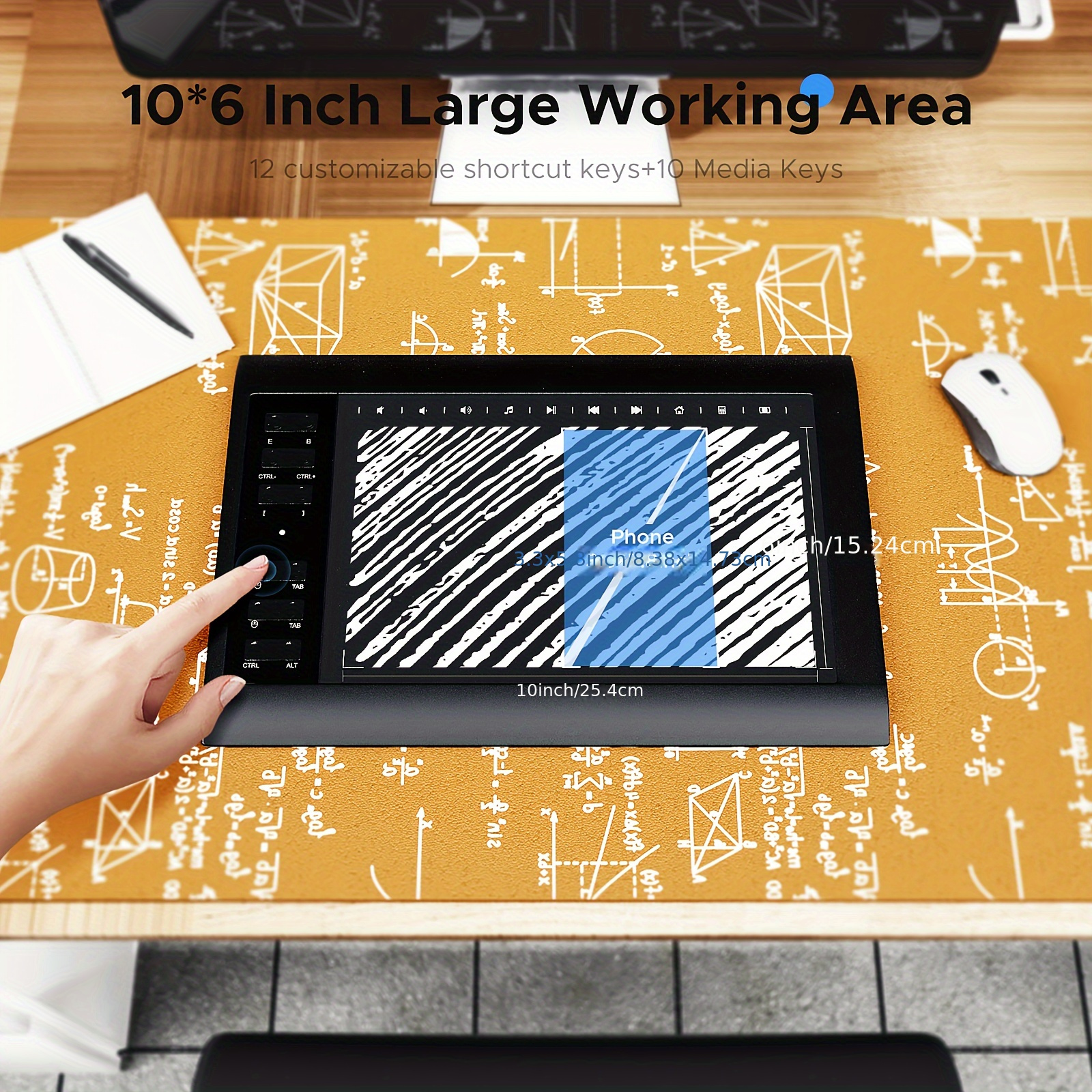
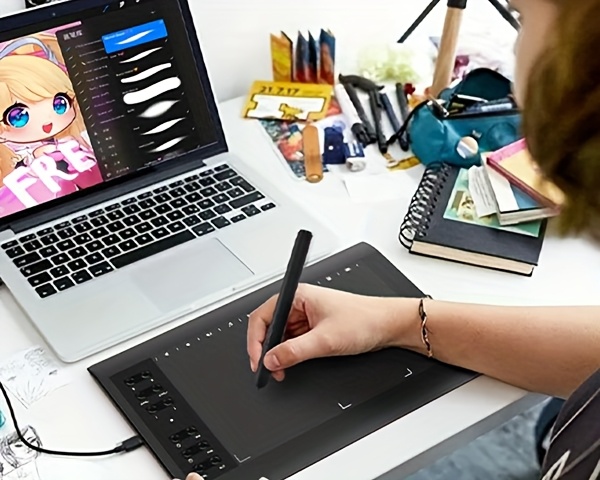
Sketch, annotate and organize your digital workspace with the TEROW T1060 graphics drawing tablet. Its listed 10 x 6-inch active area, 8192 pressure levels and ±60° tilt recognition provide input features for drawing and writing in compatible software.
Begin a sketch, switch to an annotation task or prepare an online lesson using your connected device. Configure the 12 shortcut keys around your workflow, then check software support for pressure, tilt and shortcuts before starting.
| Listed brand / model | TEROW T1060; option label 1060 |
|---|---|
| Active area | 10 x 6 inches |
| Mobile-device drawing area | 3.3 x 5.8 inches |
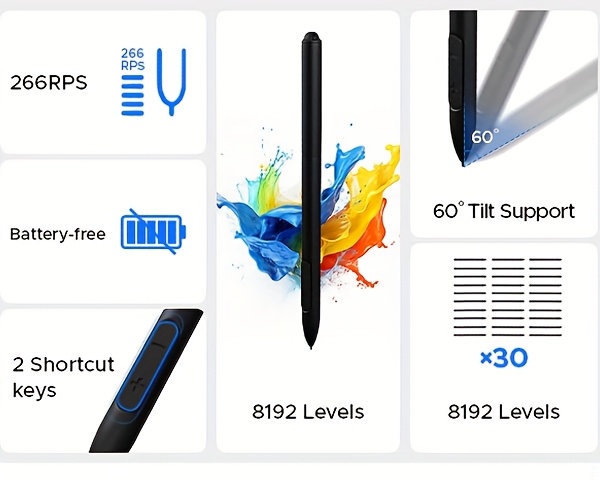
| Pressure sensitivity | 8192 levels |
| Tilt recognition | ±60° |
| Reporting rate | 266PPS |
| Input resolution | 5080LPI |
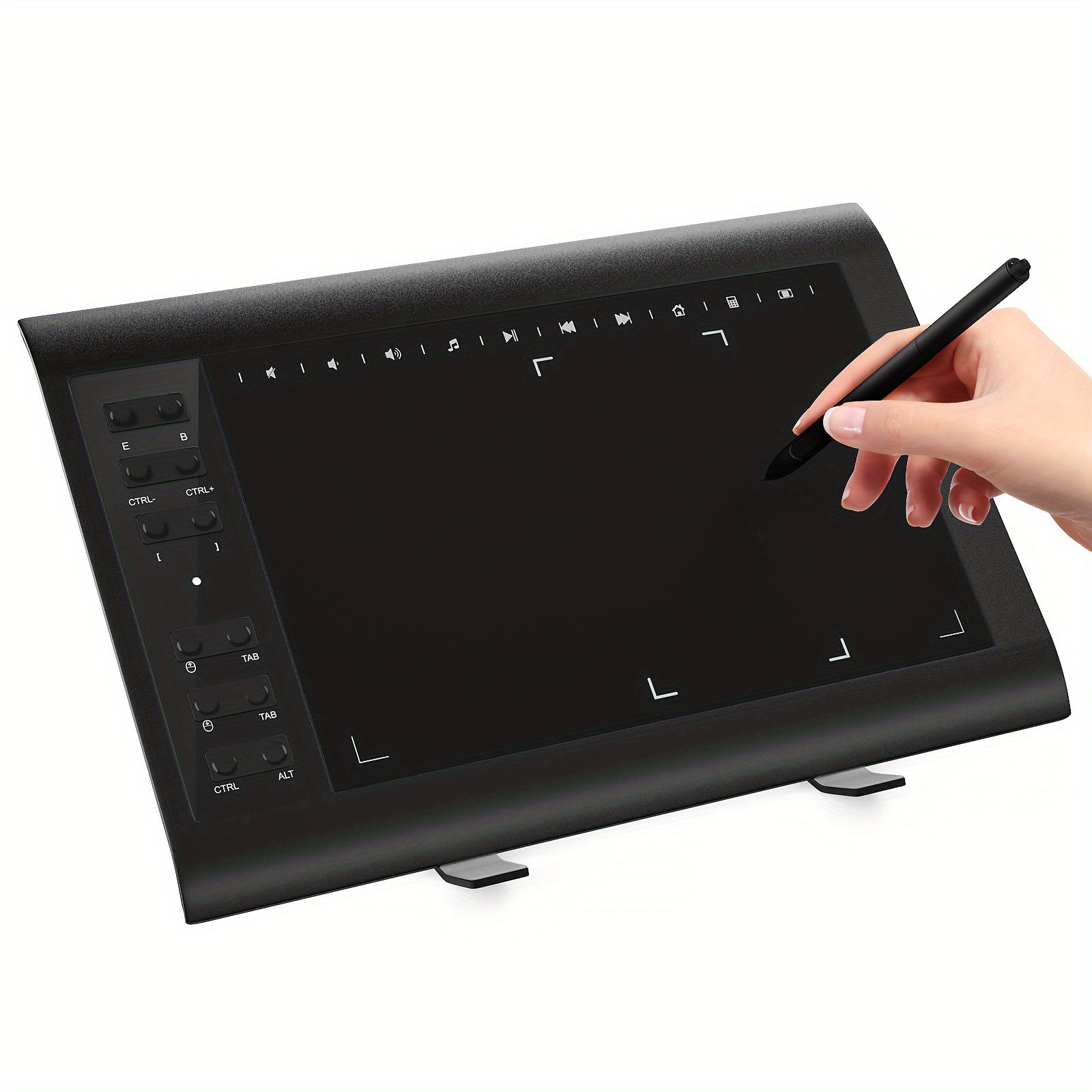
| Shortcut keys | 12 customizable |
| Multimedia keys | 10; Windows only |
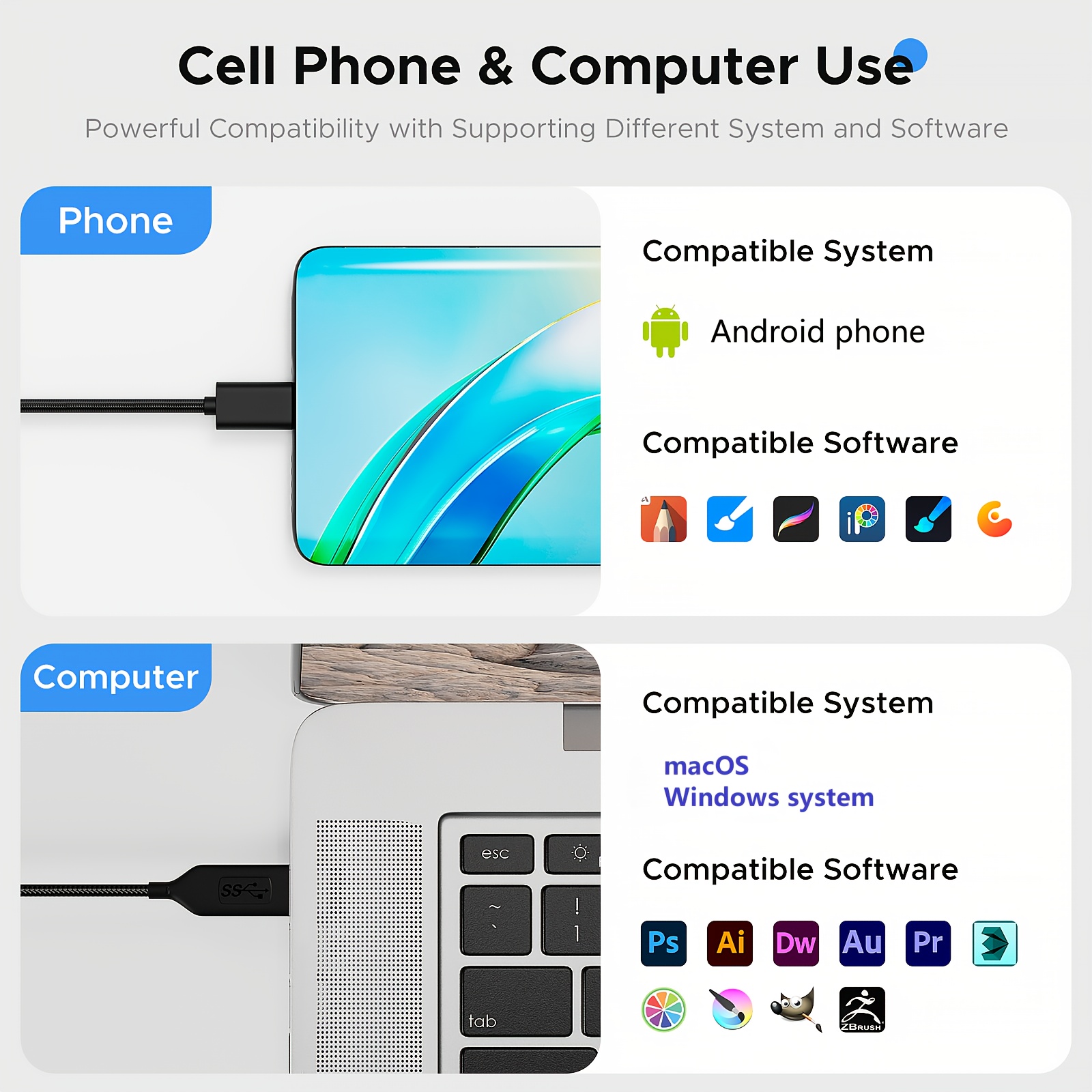
| Listed operating systems | Windows 7 and above; Mac OS 10.7 and above; Android 5.0 and above with OTG support |
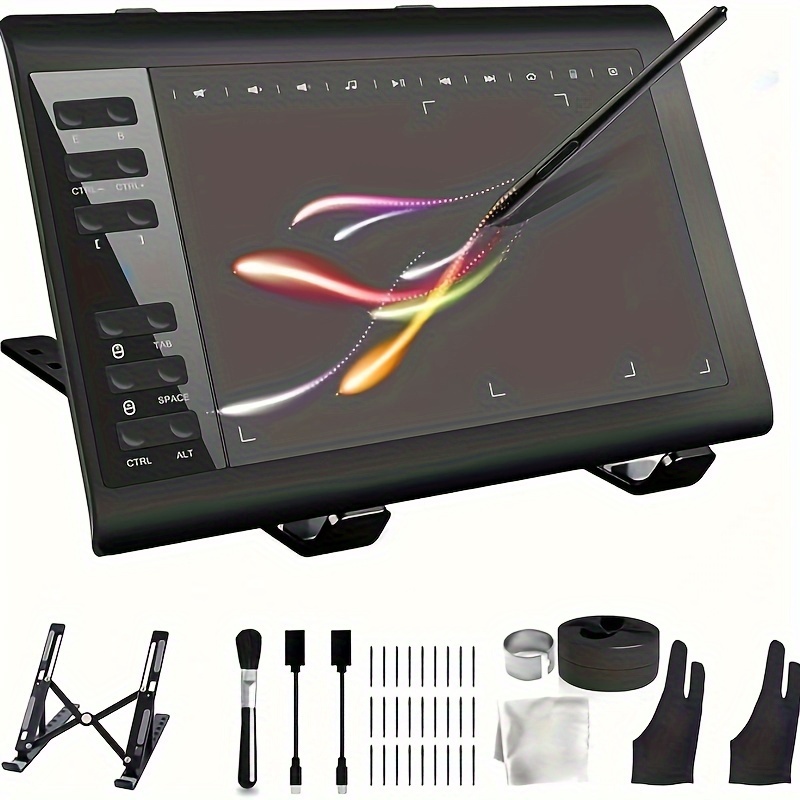
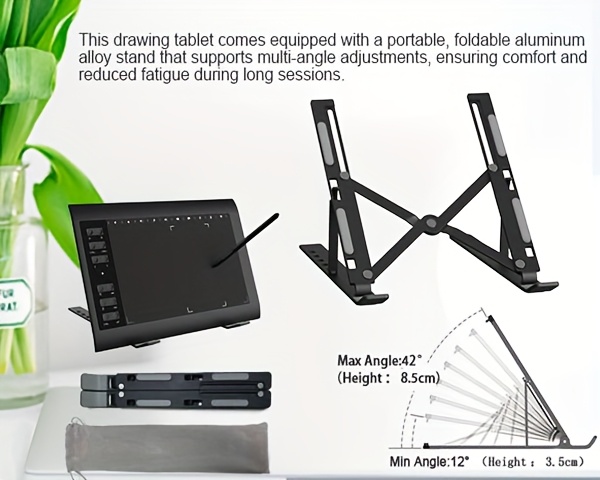
| Listed accessories | Stylus, 30 replacement pen refills, OTG adapter cables; bracket referenced in original title |
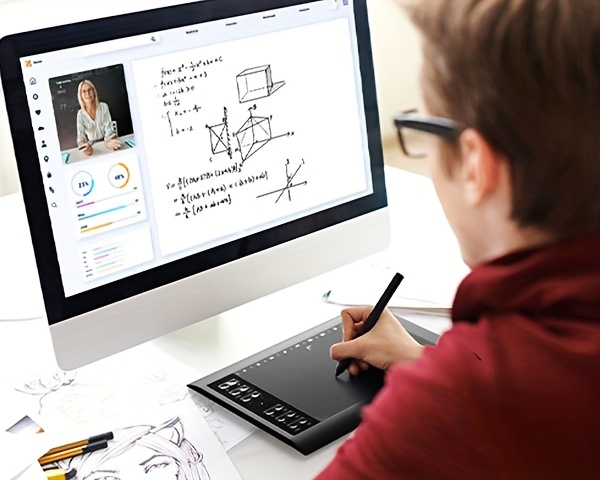
The original description lists Photoshop, SAI, FlipaClip, MediBang, Adobe Illustrator, Adobe Premiere and Lightroom, along with Microsoft office applications such as Excel and PowerPoint. It suggests drawing, online teaching, remote work and web conferencing uses. These are compatibility references, not included software licenses. Check current drivers, exact device support and the features supported by each application before purchase.
1. Who is this drawing tablet for?
It is presented for beginners and professionals working with digital drawing, writing or annotations, as well as online teaching and remote-work workflows. Suitability depends on your connected device and software.
2. Is the 10 x 6-inch area also available on a phone?
The description specifies a 3.3 x 5.8-inch drawing area when connected to a mobile device. The 10 x 6-inch measurement refers to the standard active drawing area, not an established built-in display.
3. Could it be a gift?
It may suit someone interested in digital art or annotation. Confirm their operating system, device OTG support where needed and software requirements first. Gift packaging is not specified.
4. How do I set it up?
Follow the supplied connection and driver instructions, configure shortcut keys and test stylus input in a compatible application. Android use is listed via the included OTG adapter cables. The 10 multimedia keys are described as Windows-only.
5. What accessories and software come with it?
The text identifies a no-recharge pen, 30 replacement pen refills and OTG adapter cables. The original title also references a bracket, without further details. Named creative and office applications are not confirmed as included software.
6. Can it support STEM learning?
It may be used for diagrams, annotations or digital explanations in compatible teaching software. No STEM curriculum or educational software license is listed.




Ships from US warehouse, free delivery 2-7 business days